
Ways busy parents are keeping family memories organised in 2026
Family life moves quickly. Between school runs, work commitments, and weekend activities, parents often find themselves with hundreds of photos scattered across phones, tablets, and cloud accounts. What starts as a few snapshots from a birthday party or holiday can quickly become thousands of images with no clear way to arrange or share them effectively.
Many households now face a common challenge: how to turn growing digital photo collections into something meaningful and easy to revisit. Traditional photo albums require time and effort that busy families rarely have, whilst simply storing images in folders feels impersonal and forgettable. Parents want their children to look back on memories in a way that feels deliberate, not accidental.
This shift has led more families to seek practical digital organisation methods.Grouping related photos into simple systems allows parents to create clear visual summaries of events, milestones, or everyday moments without requiring design skills or large amounts of time. The approach offers a way to organise memories that feels manageable, shareable, and effective at capturing what matters most.

Why UK Families Are Drowning in Unorganised Photos
Many UK households now store large numbers of photos across multiple devices. Images often end up scattered between different cloud services, messaging apps, and individual phone galleries. Over time, this makes it harder to retrieve favourite pictures when families want to revisit memories or share them with relatives, highlighting the growing importance of photo organising in large digital collections.
Rapid photo accumulation often happens during busy periods such as summer holidays, school event seasons, and family gatherings. Some UK families add hundreds of new photos each month during these times. With children aged seven and above now using personal devices and taking their own pictures, the volume grows even faster. Without a straightforward method for sorting images, the household photo library gradually becomes difficult to navigate and manage.
The Hidden Cost of Photo Chaos
Photo chaos can interrupt everyday routines in small but frustrating ways. When parents need specific pictures for school projects, birthday cards, or family updates, valuable time is lost navigating multiple galleries, folders, or cloud accounts. The challenge becomes more complicated when the same images exist in several places under different file names or formats.
Over time, the buildup of unused, repeated, or low-quality photos fills available storage space. Many households eventually choose to pay for additional cloud space simply to accommodate growing photo collections. Without a clear system for organising images, important family milestones risk being forgotten, reinforcing the need to properly store and preserve photographs so meaningful memories remain easy to revisit.
Four Practical Systems Busy Parents Are Using
Parents who keep their photo libraries organised often adopt simple routines with clear benefits. Monthly folder systems divided by occasions such as birthdays, school events, holidays, and everyday life give each image a defined place. These habits also support the wider process of digitising family memories, helping families organise and preserve photographs in a more structured way over time.
Another habit gaining popularity is the planned annual photo review, often held in January. Parents use this time to remove duplicate shots and delete blurred or less suitable images. Many also create organised visual layouts for annual roundups or themed pages used in school projects. This approach works for both digital and printed formats.
One practical routine recommended by family digital organisation specialists is a short weekly photo review. Parents often set a calendar reminder on a convenient evening, frequently Sunday. During each session, which usually stays under fifteen minutes, the latest photos are sorted into labelled monthly folders.
Obvious duplicates are deleted immediately, while a small number of standout images can be marked for printing or sharing. This simple routine prevents clutter from building and keeps family photo libraries manageable throughout the year.
When Template Tools Save Time
Template-based tools simplify the process of preparing thank-you images, school projects, or gifts for relatives. Parents often use drag-and-drop layouts so anyone in the family can create a clean visual summary quickly. Grandparent gifts, especially printed formats, allow families to present multiple pictures in one organised display.
A photo collage maker allows parents to combine multiple photos into one organised layout using simple templates that keep the process clear and efficient. Many parents use a collage maker online to arrange photos from holidays, birthdays, or school events into a single visual layout. These tools make it easier to make a photo collage quickly without requiring advanced editing skills. Families can also experiment with picture collage layouts that bring several memories together in one organised format.
Teaching Children Photo Curation Skills
Digital literacy for children often includes learning how to organise digital content, share files safely, and use folders effectively. Children can begin participating by selecting the best images from recent family events or labelling folders in a shared cloud drive. Pairing a short session with a clear goal helps keep the activity engaging and manageable for young family members.
This process teaches photo selection, file organisation, and introduces basic design elements using visual templates. For example, a parent might sit with a child after a holiday and work together using a collage creator to arrange their favourite snapshots. The finished page can then be saved to the family’s shared drive or printed for a simple display at home.
These shared activities also encourage conversation about why certain photos matter and how memories are preserved. Over time, children begin to understand how digital files are organised and how visual layouts help tell a story. This gradual involvement helps young family members build confidence with technology while contributing to the family’s growing collection of memories.
Safe Digital Practices and Long-Term Memory Preservation
Good practice for young children's access to digital photo libraries includes following established digital safety recommendations. Parents are encouraged to set up shared family albums with restricted permissions so children can participate in organising photos without full access to every file. Children should not share images online or on social platforms without parental review and approval.
Limiting activity to private albums and printed outputs helps reduce online risks. Experts also recommend using simple, child-friendly tools that allow only basic sorting or editing. Password-protected folders for adults add another layer of protection, while regular conversations about digital safety help children develop responsible digital organisation habits.
At the same time, families benefit from thinking about how memories will be preserved over the long term. Balancing digital and physical storage methods helps protect family photos from accidental loss or technological changes and encourages households to ;pso important moments remain accessible for years to come.
For busy families, organising photos no longer requires hours of work or complex systems. Simple habits such as regular sorting, shared albums, and visual layouts help transform scattered images into meaningful collections. When memories are organised intentionally, children and relatives can revisit important moments easily, ensuring that everyday photos become part of a lasting family story.


























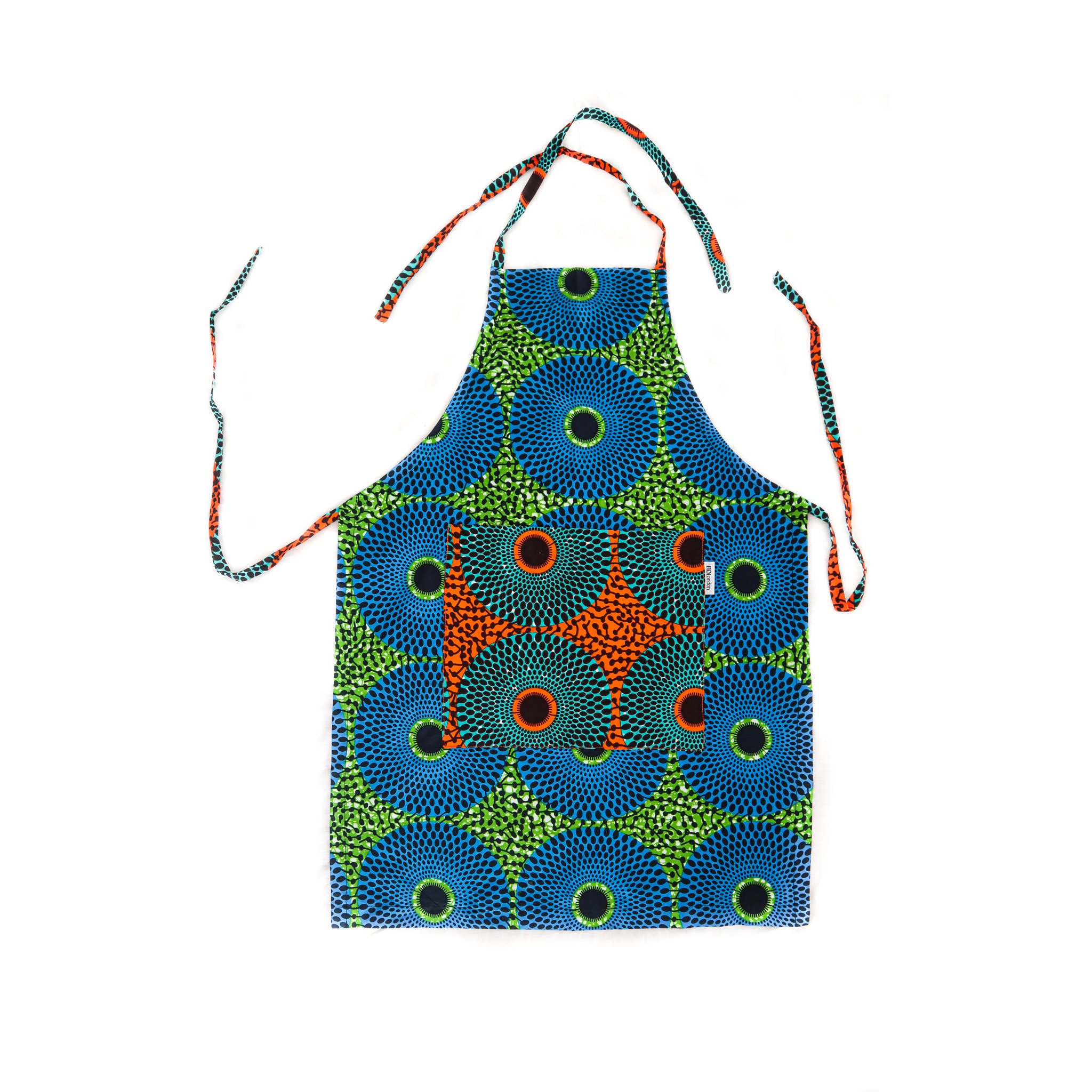


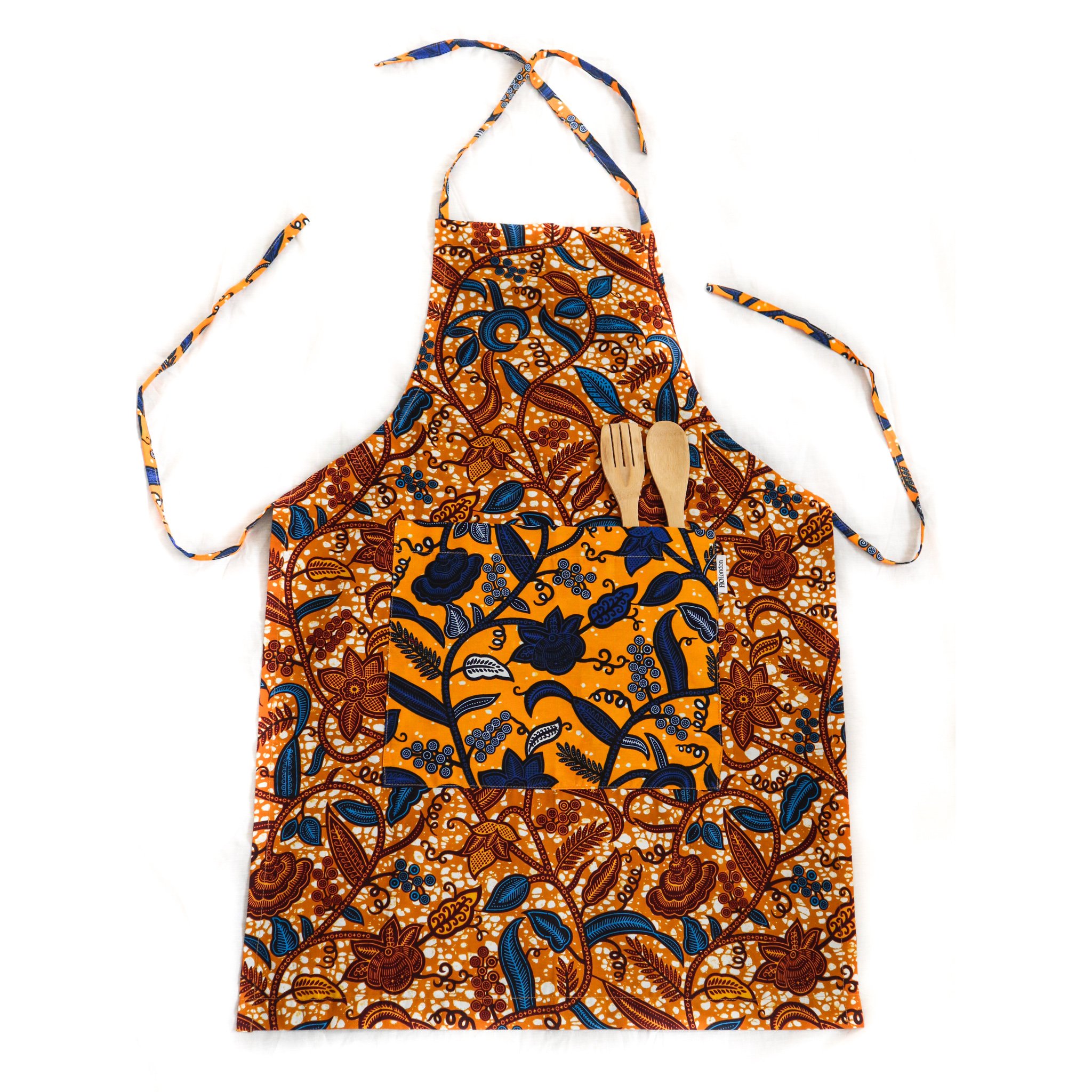


Handmade in Ghana, our aprons offer a unique design with a front pocket perfect for kitchen utensils or your phone and tie neck straps each made from recycled material. The perfect gift for any cooking enthusiasts!
Our aprons have been named after markets in Ghana and London. This apron has been named after street food hub Maltby Street Market.